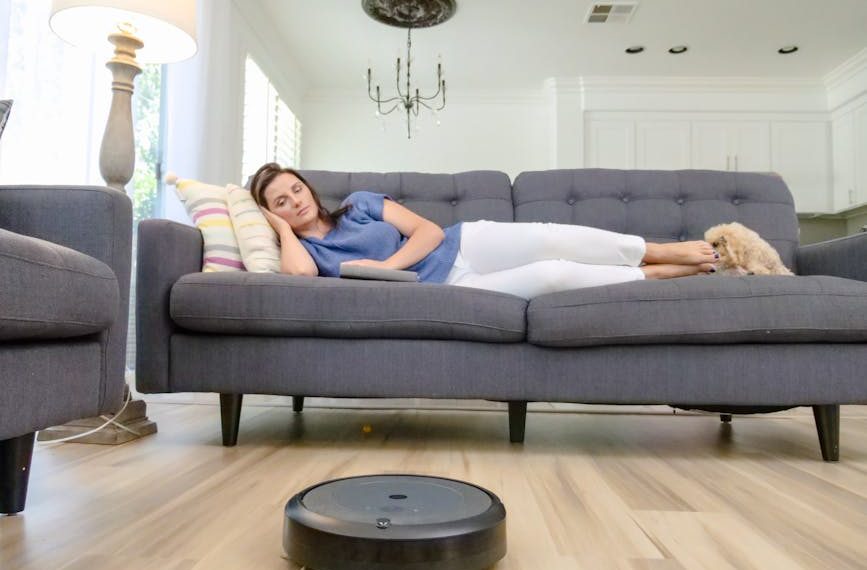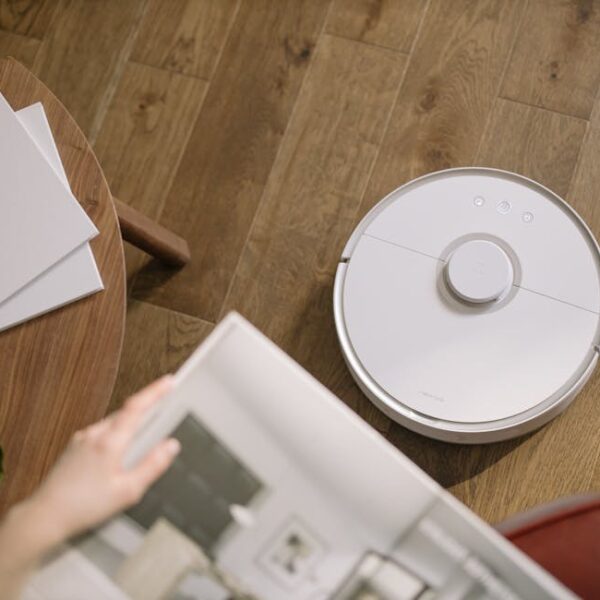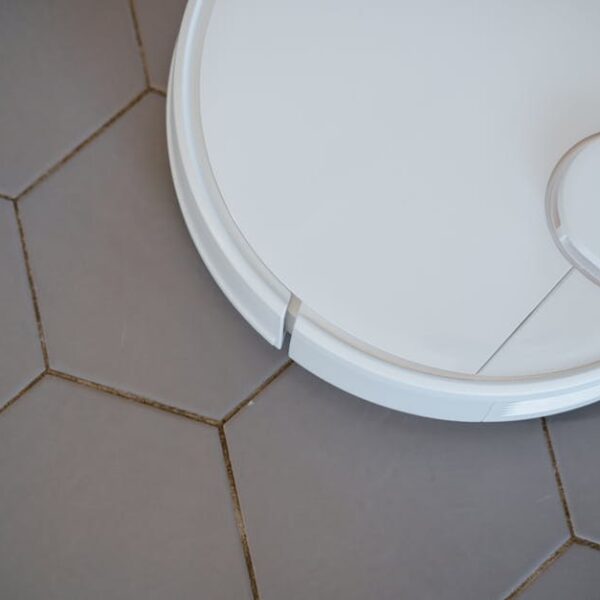

The Coredy Robot is a smart device designed to provide cleaning services within your home. It stands unique with its advanced mapping technology and auto-charge capabilities, offering hands-free convenience to homeowners. You can imagine how the conveniences multiply when the Coredy Robot is connected with smart home systems like Amazon Alexa or Google Home. These integrations enable you to control the robot via simple voice commands, enhancing its functionality.
By integrating Alexa or Google Home, you unlock powerful features that enhances your cleaning experience. The benefits include,
- Convenience: Issuing voice commands allows for cleaning tasks to go on while you engage in other activities. Alexa, ask Coredy to start cleaning., and your robot gets to work immediately.
- Hands-Free Control: You don’t need to physically engage with the robot once it’s connected to your smart home system.
- Customizable Cleaning: Depending on the AI assistant function, you can schedule cleaning tasks ahead of time!
Best Practices: The voice command format is quite straightforward, so be sure to phrase your instructions correctly!
Preparation for Connecting Coredy Robot to Alexa or Google Home
Before diving into the integration process, it’s essential to understand that you’ll need a few key components. This includes a Coredy Robot, an Alexa or Google Home device, and a stable internet connection. Similarly, ensure that you’ve installed the relevant applications to aid the process. These often include the respective apps for Coredy Robot, Alexa and Google Home.
Here’s a quick checklist to follow:
- Secure a Coredy Robot.
- Purchase an Alexa or Google Home device.
- Ensure you have a reliable and stable internet connection.
- Download the Coredy Robot, Alexa, and Google Home apps on your smartphone or tablet.
Step-by-Step Guide to Connecting Coredy Robot with Alexa
Wondering how to achieve a smooth connection between the Coredy Robot and your Amazon Alexa? Here’s a detailed step-by-step guide:
- Install and launch the Alexa app on your device.
- On the main menu, proceed to Skills & Games.
- Use the search bar to find Coredy Robot.
- Select Coredy Robot, and then choose Enable skill.
- Login with your Coredy Robot credentials on the opened webpage.
- Complete the account linking process, leading to the connection setup.
Pro Tips: Ensure your Alexa is updated to the latest software. If you encounter any issues, try going through the process again or restarting your Alexa device.
The convenience of controlling your Coredy Robot using voice commands via Alexa includes effortless operation and regulation of cleaning schedules. However, there might be a potential challenge in the form of a learning curve in the use of specific voice commands or initial setup issues. Remember, practice makes perfect and bonus tip – confirm you’ve enabled the correct skill in Alexa!
How to Connect Coredy Robot to Alexa and Google Home
In today’s automated world, the ability to control home appliances and gadgets through voice commands has become increasingly popular. High on the list of favored smart home gadgets is the Coredy Robot, a device that can be programmed to perform various chores around the house. The allure of this device becomes even more attractive when you integrate it with Alexa or Google Home, enabling hands-free control of your gadget.
Understanding the Integration of Coredy Robot with Alexa and Google Home
The Coredy Robot is an innovative device designed to automate certain chores such as vacuuming. This smart robot has an impressive capacity to free up your time, but when you connect it to Alexa or Google Home, its functionality is significantly enhanced.
When integrated with Alexa or Google Home, you can issue voice commands, therefore eliminating the need for manual operation. This gives you more control over when and how your device operates which in many ways, simplifies your life.
Here are some of the benefits of integrating Coredy Robot with Alexa and Google Home:
- Efficient operation: You can issue commands to your device without physically operating it.
- Time-saving: You can schedule tasks without physically setting up your robot.
Preparation for connecting Coredy Robot to Alexa or Google Home
Before you proceed with the connection, you must ensure that you have the necessary requirements. These include:
- A Coredy robotic device
- An Alexa or Google Home device
- Stable Internet connection
In addition, you should download and install the Coredy Robot’s app from Google Play Store or Apple App Store and the Alexa or Google Home app respectively.
Below is a checklist to help you prepare:
- Ensure you have a Coredy Robot and a functioning Alexa or Google Home device.
- Verify that you have a stable internet connection.
- Download and install the Coredy Robot app and Alexa or Google Home app on your smartphone or tablet.
Step-by-Step Guide to Connecting Coredy Robot with Alexa
Connecting your Coredy Robot to your Alexa device is a straightforward process. Here are the steps to follow:
- Open the Alexa app on your smartphone or tablet.
- Navigate to the Skills & Games section and find the Coredy Robot app.
- Enable the skill and log in with your Coredy account credentials.
- Ask Alexa to discover devices.
- Once your Coredy Robot is discovered, Alexa should now be able to control it!
Step-by-Step Guide to Connecting Coredy Robot with Google Home
Like Alexa, connecting your Coredy Robot to Google Home is a simple process. Below are the steps:
- Open the Google Home app on your smartphone or tablet.
- Click on the + sign at the upper left corner and select Set up device
- Under Works with Google, search and select Coredy Robot app.
- Pair and control your Coredy Robot via Google Home app.
Troubleshooting Issues When Connecting Coredy Robot to Alexa or Google Home
Despite the processes being straightforward, you may encounter some issues when trying to connect your Coredy Robot to Alexa or Google Home. However, these issues are usually easy to solve. Here are some common problems and their solutions:
- Alexa/Google Home cannot find the Coredy Robot: Ensure that your internet connection is stable. Also, check that your Coredy Robot and Alexa or Google Home device are linked to the same network.
- Not able to control Coredy Robot through Alexa/Google Home: Check that you have enabled voice control through the Coredy Robot app.
Remember, the key to a seamless connection between these devices is ensuring they are all on the same network. Always ensure your Coredy Robot is updated to the latest version for optimal performance.
Key Takeaway:
- The article details the process of integrating Coredy Robot with smart home systems like Alexa and Google Home, enabling users to control the robot via simple voice commands that enhances functionality and cleaning experience.
- A steady internet connection, the Coredy Robot, an Alexa or Google Home device and their respective apps are the preliminary requirements for such integration.
- The process includes enabling the specific robot skill in the Alexa app and pairing the robot with the Google Home app, post which Alexa or Google Home can control Coredy Robot.
- The discussion concludes with a troubleshooting guide for common issues faced during integration.
Keep exploring and enhancing your smart home system. With every successful integration, you experience increased convenience and efficiency. Remember, any initial challenges you come across are merely opportunities to learn and improve.
FAQs
Q: Can I simultaneously connect Coredy Robot to both Alexa and Google Home?
A: Yes, it’s possible to connect Coredy Robot to both, however, you’ll need to follow the connection procedure separately for each smart home system.
Q: Will there be any impact on Coredy Robot’s performance if I don’t integrate it with Alexa or Google Home?
A: No, the Coredy Robot will work efficiently without integration. However, integrating it with Alexa or Google Home allows for voice commands and smart scheduling, maximizing convenience.
Q: What if I don’t have a stable internet connection?
A: A stable internet connection is crucial for the integration process and for effective communication between the Coredy Robot and your smart home system.
Q: Can I control the Coredy Robot by voice command without Alexa or Google Home?
A: No, voice command control is possible only when the Coredy Robot is connected to Alexa or Google Home.
Q: Can other people in my home also command Coredy Robot through Alexa or Google Home?
A: Yes, other members of your household can give voice commands to the Coredy Robot provided they’re familiar with the correct command structure.
Enjoy your smart home automation journey and feel even more at home with these additions. Don’t forget to share this article and keep exploring more posts on our website.